
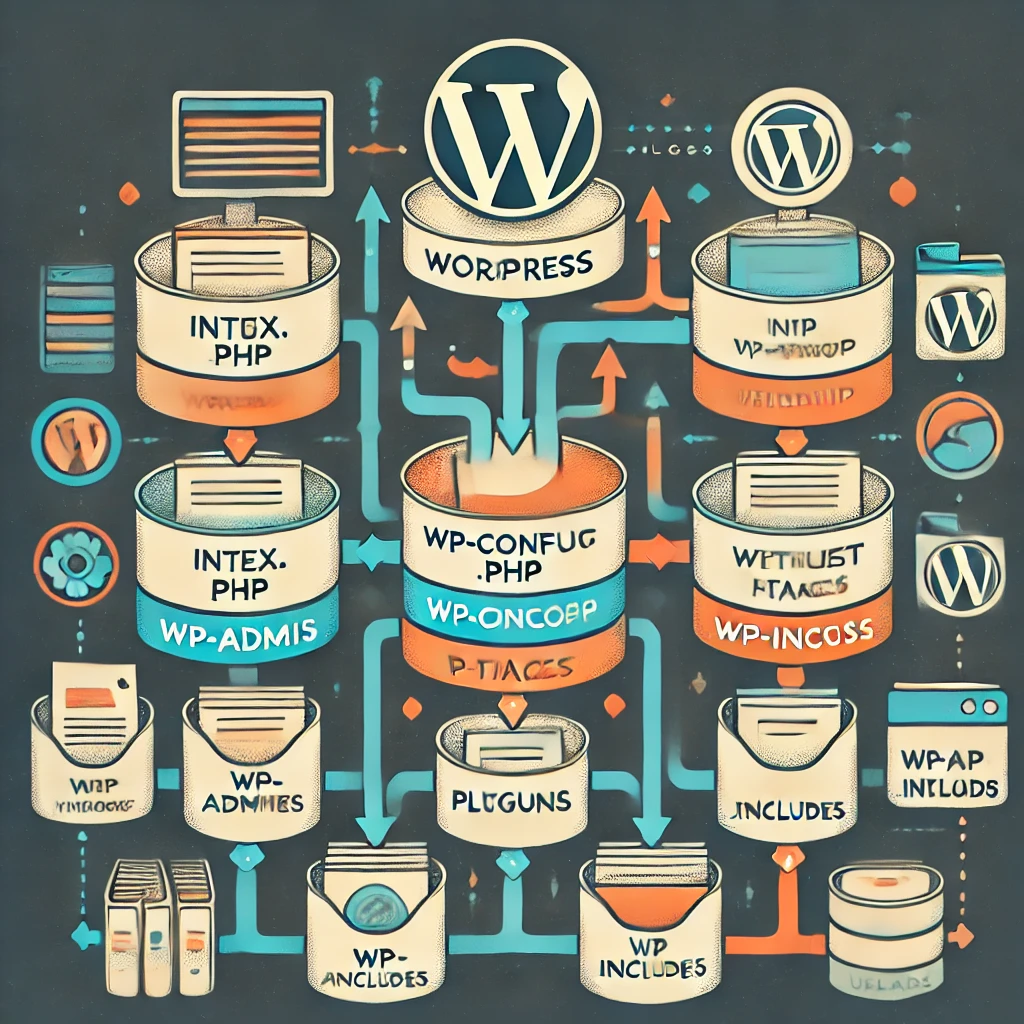
The WordPress file structure is organized in a way that allows for flexibility in managing content, themes, plugins, and core files. Here’s an overview of the key directories and files in a typical WordPress installation:
1. Root Directory
The root directory contains the core WordPress files that power the CMS and handle essential functionality. Key files in the root directory include:
index.php: Main entry point for the WordPress site. This file loads the WordPress environment and sends requests to the appropriate file or content.wp-config.php: Contains database connection settings and other important configurations..htaccess: Configuration file for Apache web servers (Nginx has equivalent settings in its own configuration). Handles things like permalinks, redirects, and security rules.wp-load.php: Sets up the WordPress environment.wp-blog-header.php: Loads the WordPress blog functions.xmlrpc.php: Handles XML-RPC requests for remote publishing and API integrations.
2. wp-admin Directory
The wp-admin directory contains all the files necessary to run the WordPress administration dashboard. This includes the UI for editing posts, managing users, and changing settings.
admin.php: The core file for the WordPress dashboard.- Other files: Files that handle various admin features like menus, settings, posts, etc.
3. wp-content Directory
This is where custom content, themes, and plugins are stored. It’s the part of the file structure you most often interact with.
themes/: Contains all theme files. Each theme has its own directory (e.g.,twentytwentyone/) with template files likeheader.php,footer.php,single.php, andstyle.css.plugins/: Contains all installed plugins, each in its own directory. Plugins extend WordPress functionality (e.g., WooCommerce, SEO tools).uploads/: Stores all media files (images, videos, documents) uploaded through the WordPress dashboard.mu-plugins/: (Must-Use Plugins) Plugins that are automatically enabled and can’t be disabled through the dashboard.languages/: Contains language files for translating WordPress into different languages.
4. wp-includes Directory
The wp-includes directory contains core WordPress functionality, libraries, and classes. You generally don’t need to modify files in this directory unless you’re contributing to WordPress core development.
class-wp-query.php: Handles the main query functionality.functions.php: Core WordPress functions that control everything from how posts are displayed to how plugins interact.general-template.php: Contains functions used in templates.pluggable.php: Defines functions that can be overridden by plugins.scripts/: Contains JavaScript libraries, including jQuery.
5. Other Key Files
wp-cron.php: Handles scheduled tasks such as checking for updates or publishing scheduled posts.wp-settings.php: Sets up the WordPress environment and loads the core files.wp-activate.php: Used when setting up a multisite network.
Leave a Reply